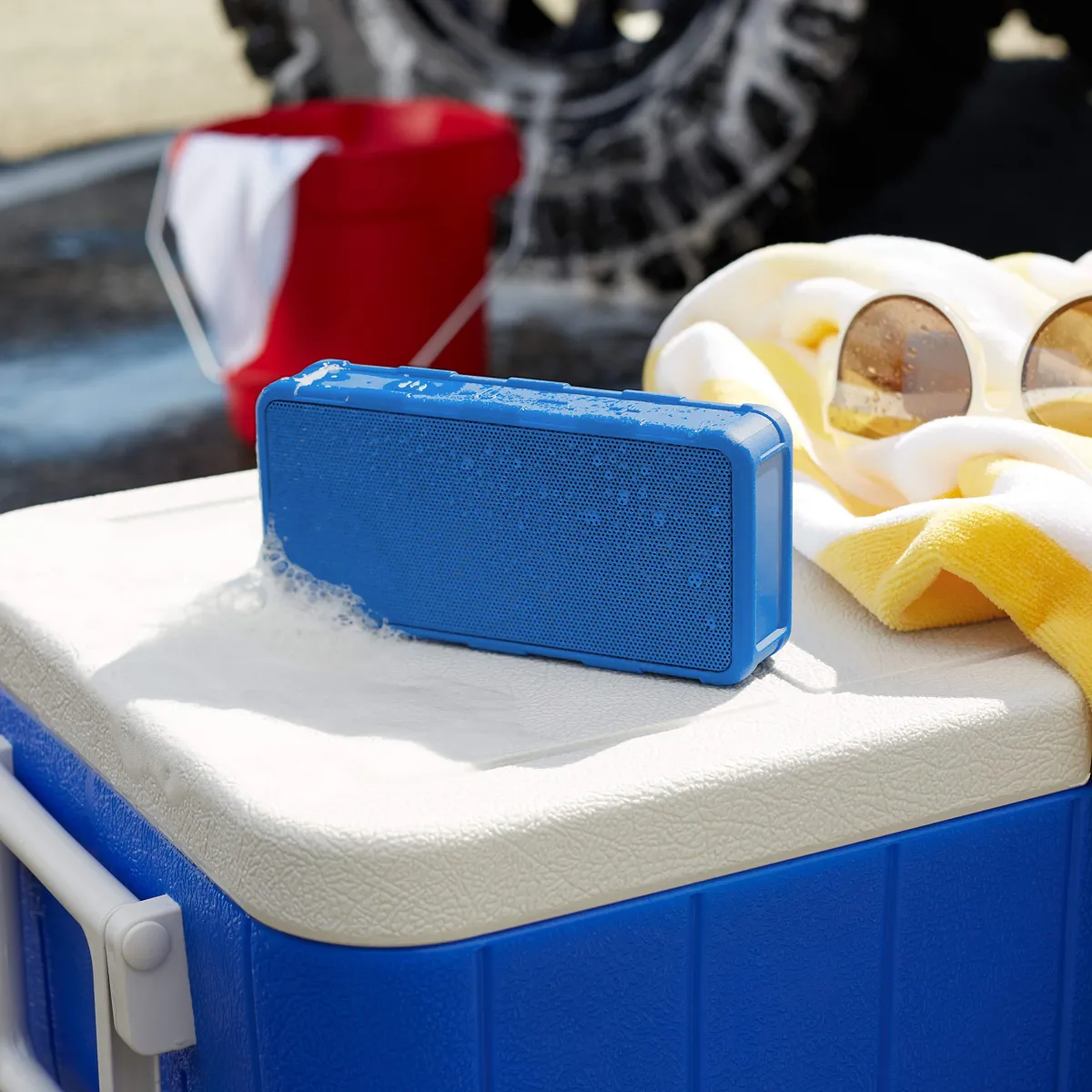
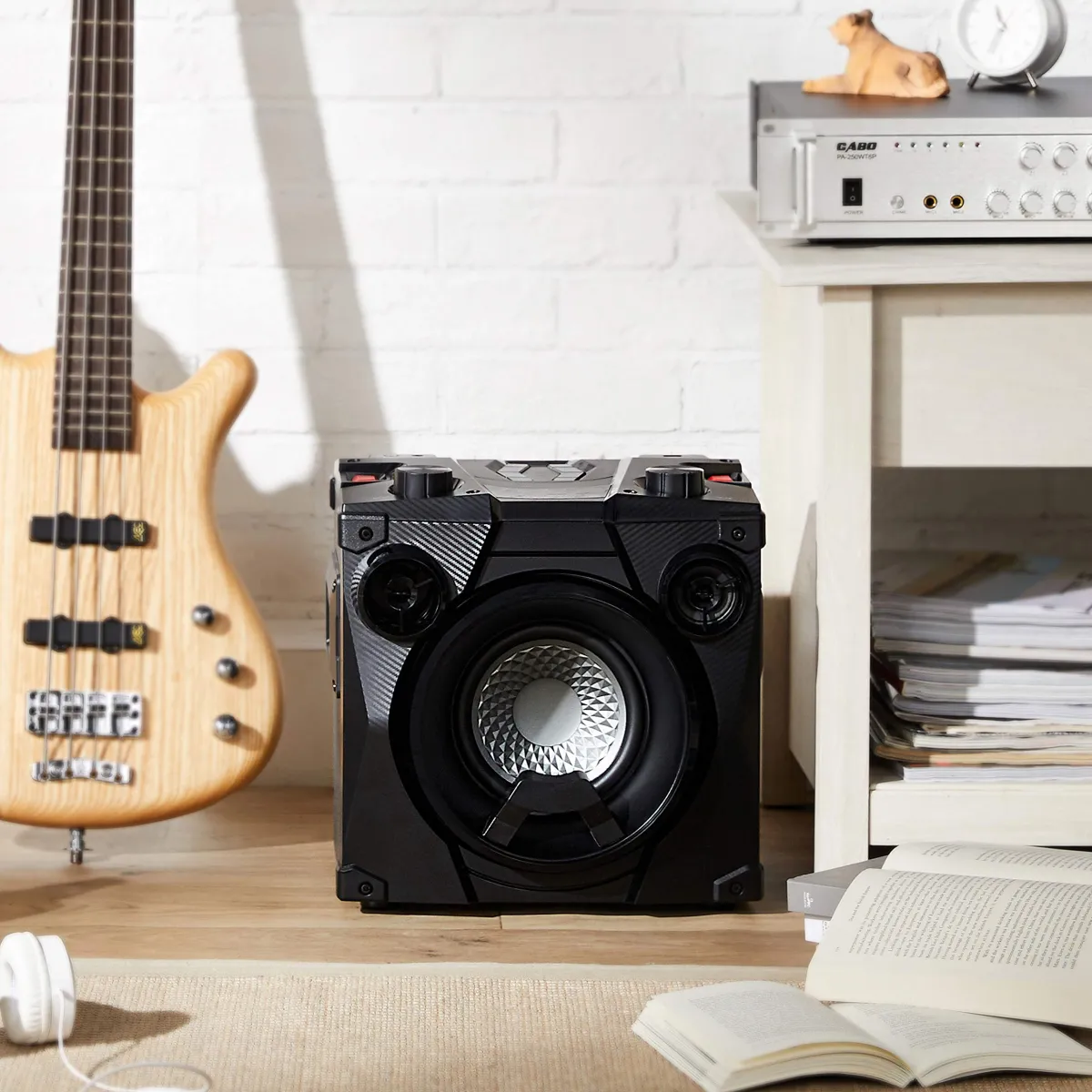
Whether it is a birthday, a society event or a karaoke night, a portable PA or party speaker can carry the whole show. Here is how to set it up for the best sound.
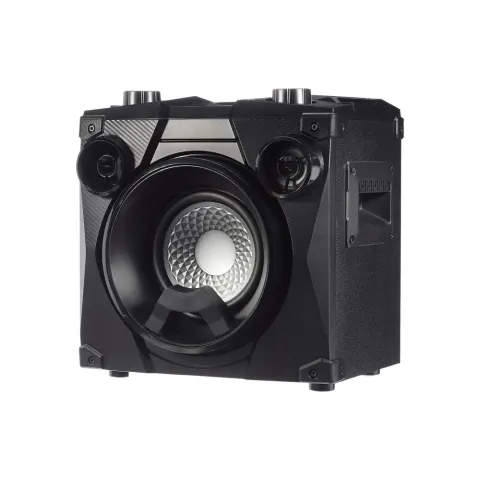
What you need
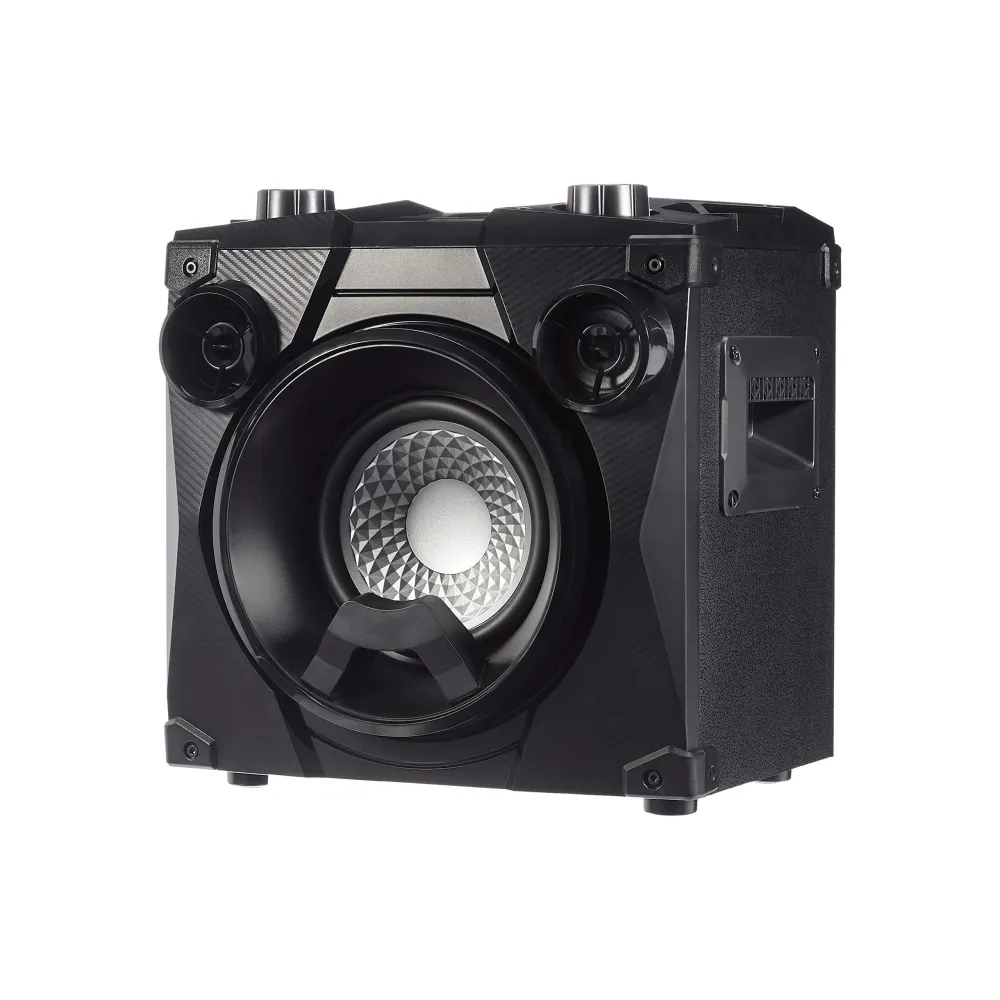
- A portable PA or party speaker
- A phone or laptop with your playlist (Bluetooth or AUX)
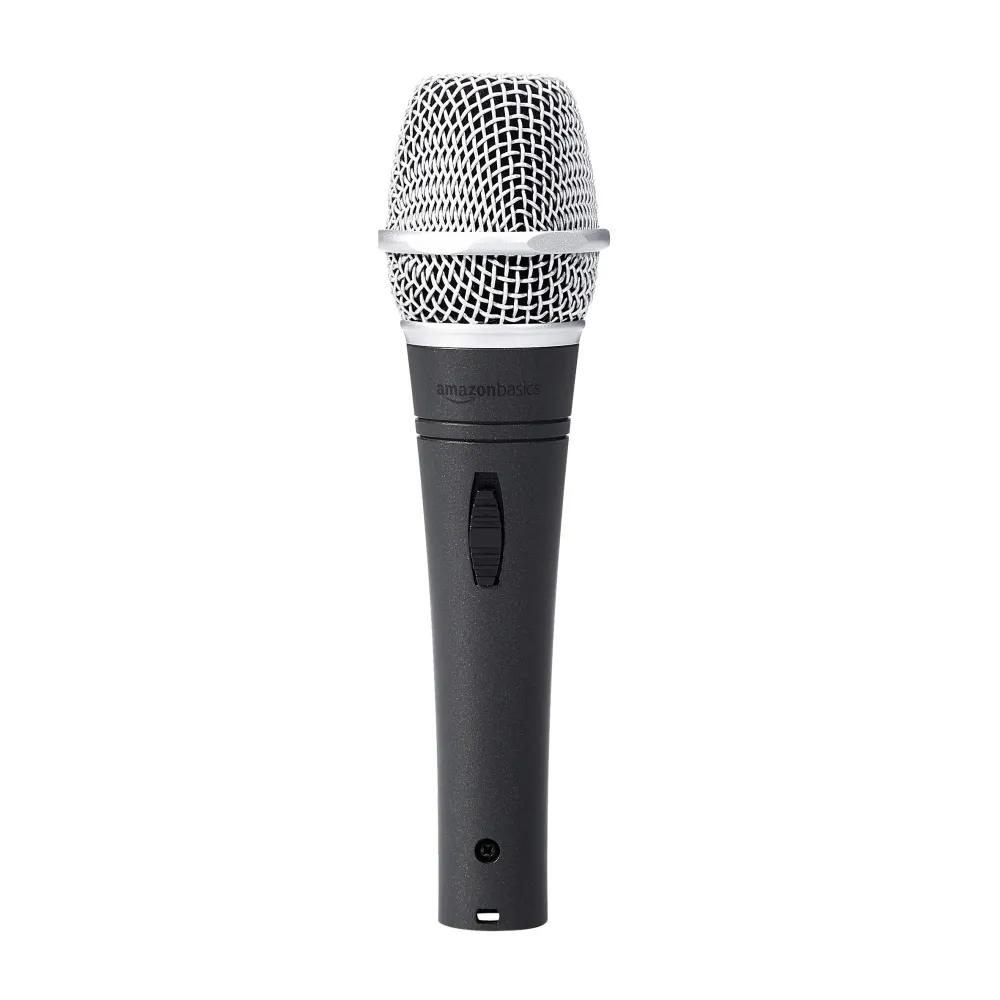
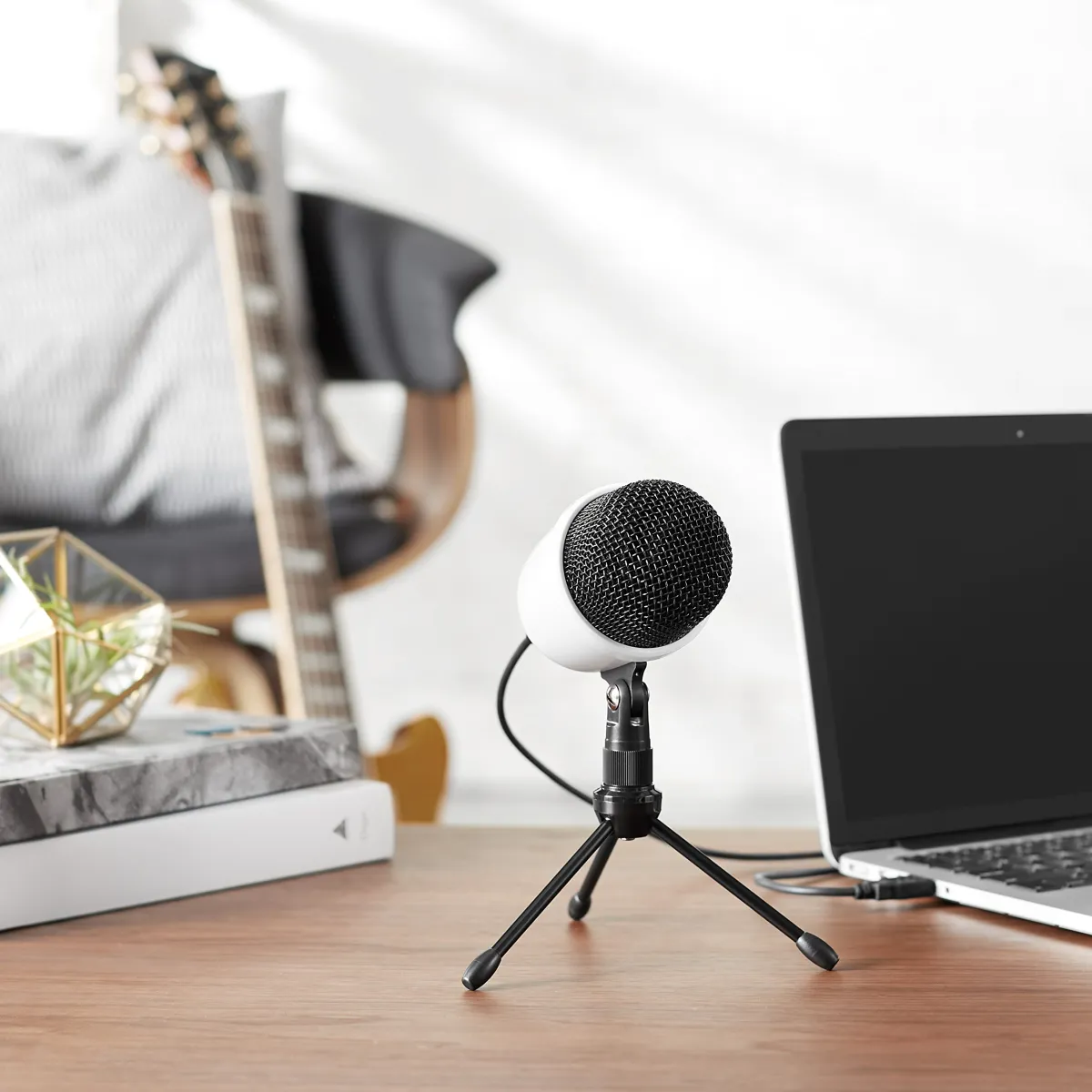
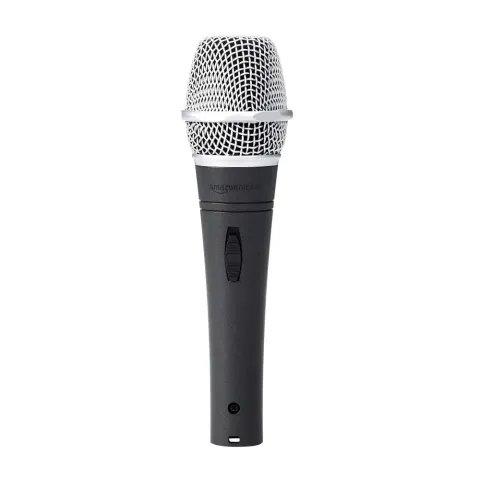
- A wired microphone for announcements or karaoke
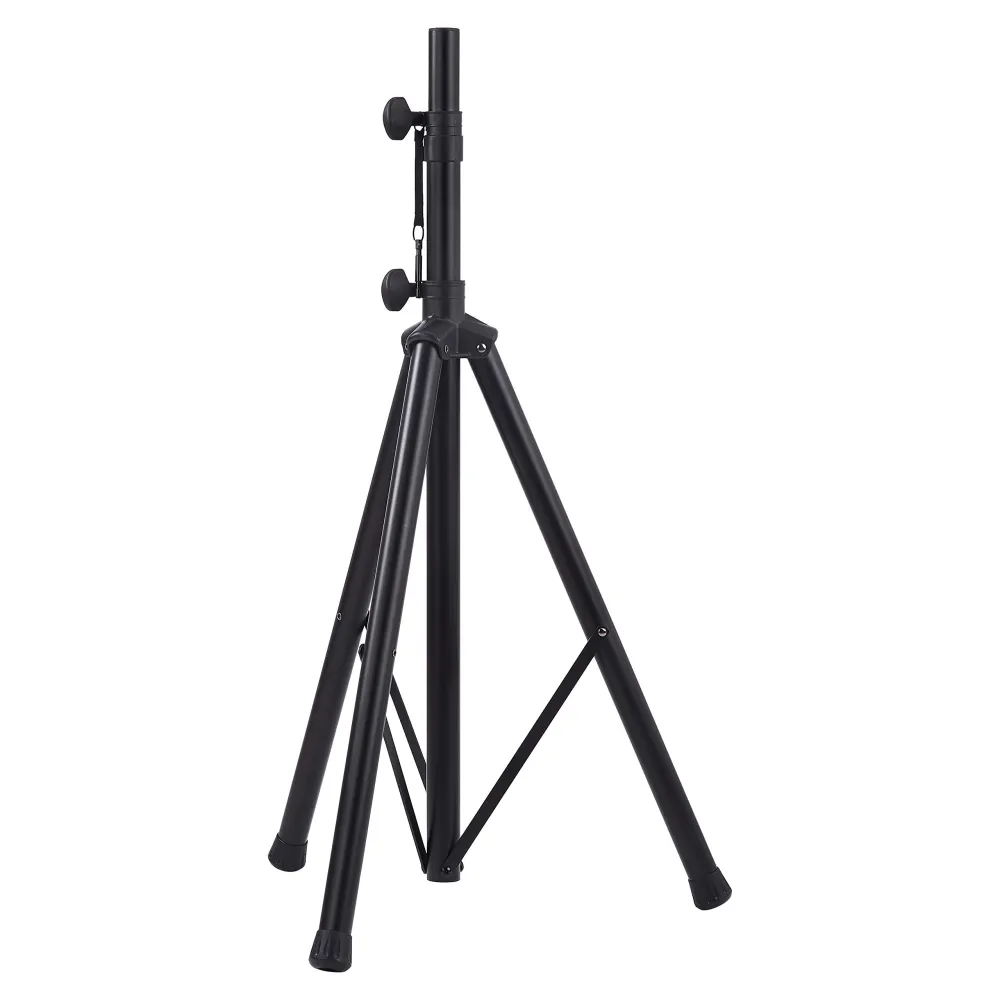
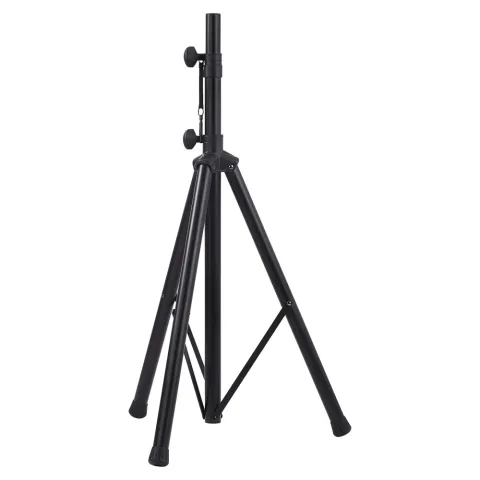
- Optional: a tripod speaker stand
- Optional: an XLR or 6.3 mm cable, depending on your mic
Step 1: Charge fully
Charge the speaker the night before. Most party speakers last many hours, but lights and high volume drain the battery faster. Keep the charger nearby.
Step 2: Choose the right spot
- Place the speaker at the front of the space, facing the audience.
- Raise it above head height if you can, so sound travels over people instead of being absorbed by them. A speaker stand is ideal.
- Avoid corners, which make bass boomy.
Step 3: Connect your music
- Turn the speaker's volume down.
- Pair your phone over Bluetooth (or connect an AUX cable for zero dropouts).
- Set your phone volume to about 80%, then raise the speaker volume slowly.
Step 4: Set up the microphone
- Keep the mic volume at zero and plug it in.
- Stand behind or beside the speaker, never in front of it, to avoid feedback (that loud squeal).
- Speak normally and raise the mic volume until your voice is clear above the music.
- If you hear feedback, lower the mic volume or move further from the speaker.
A dynamic microphone is the best choice here because it ignores sound from the sides and back.
Step 5: Tune the sound
- Use bass boost for dance music, and switch it off for speeches.
- Walk around the room: if the back is too quiet, raise the speaker higher rather than just turning it up.
- Keep some volume in reserve. Distortion at full volume sounds worse than a slightly quieter clean sound.
Step 6: Safety and etiquette
- Tape down cables so no one trips.
- Keep drinks away from the speaker.
- Respect local noise rules, especially late at night.
Summary
Charge it, raise it, keep the mic behind the speaker and turn up slowly. More gear in PA Systems and Audio Accessories.